
Thought Leadership
How to Track Learner Analytics in iorad with SSO
Learn how to track internal learner analytics in iorad using SSO or SAML, domain sharing, invite-only privacy, and tutorial-level access settings.

Detailed performance insights into individual tutorials and libraries highlighting user engagement and effectiveness.
Visualize tutorial performance with precision — track launches, completions, drop-offs, and engagement over time.
Analyze your tutorial insights from the top down gain new context into performance over time. Use filters to drill into specific views — track usage trends, learner behavior, and content engagement. Compare performance across different groups of tutorials, teams, or learners with side-by-side metrics and charts.
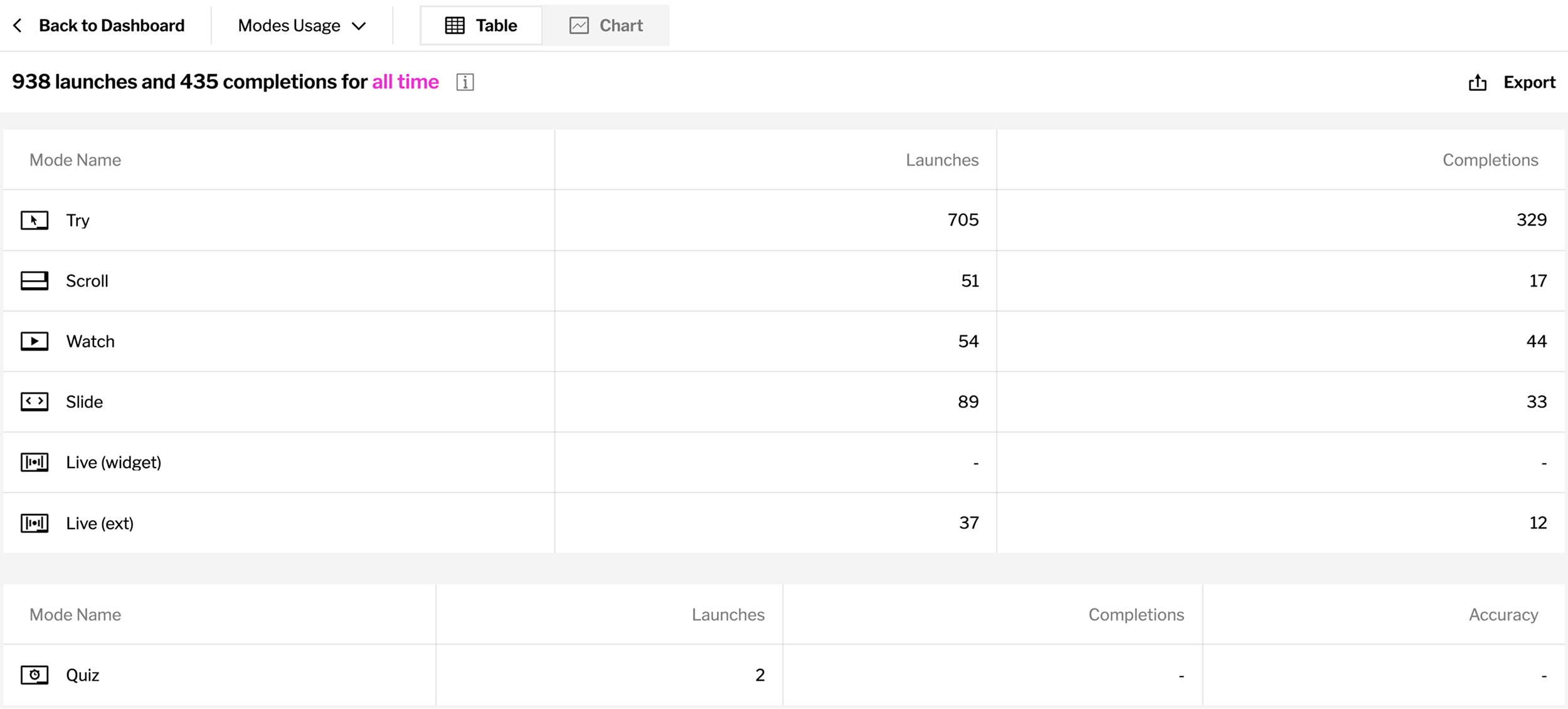
Choose from a range of analytics to explore what’s working and what’s not.
Track Launches, Completions, Modes Usage, Creators Data, Search Data and Translations across any tutorial or group. Capture the big picture or dive into the details with both chart & table layouts.
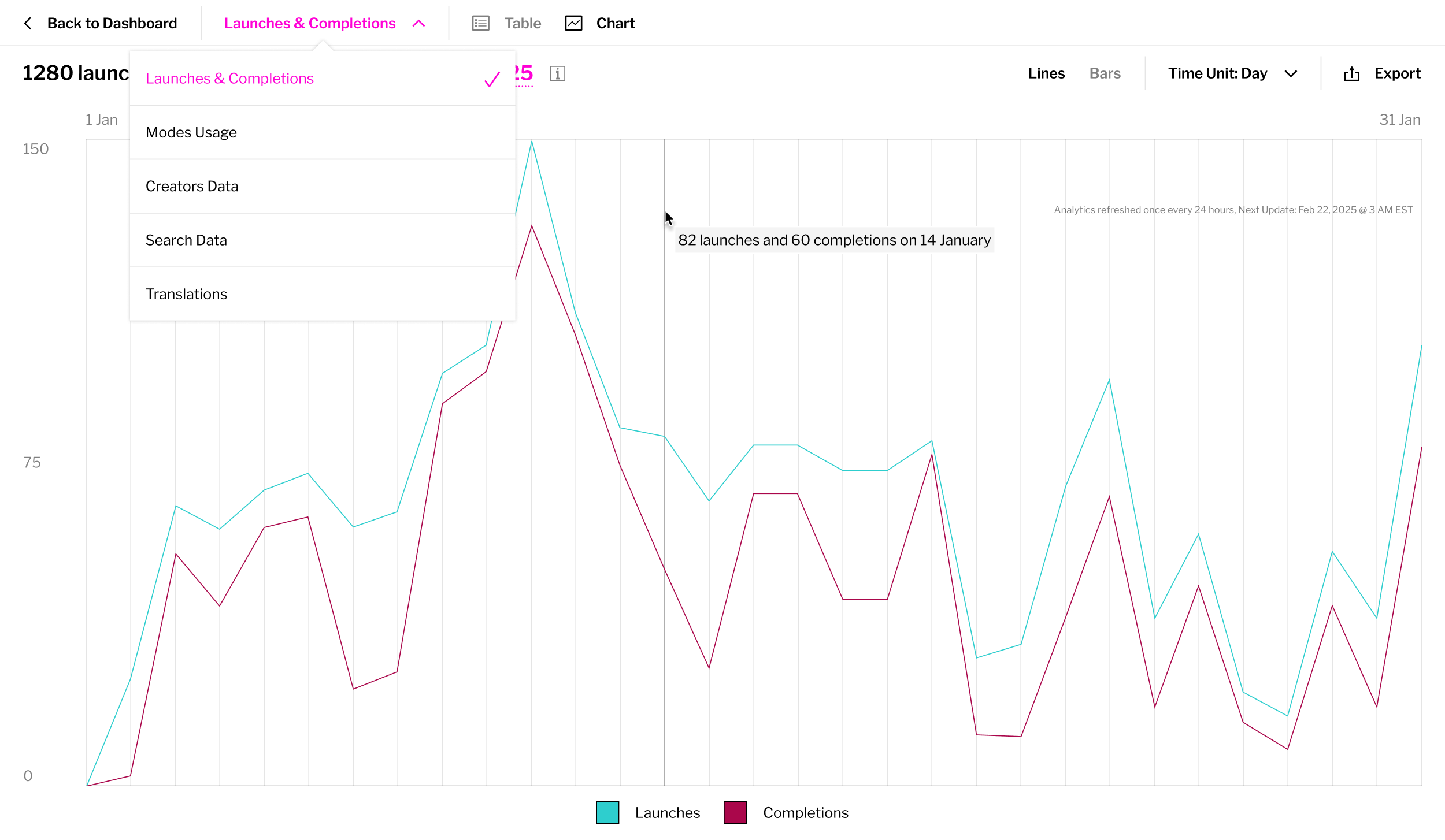
See how often leaners are launching and completing your tutorials.
See the terms your learners are searching most often and create tutorials to address them.
See which learning modes users are choosing when they interact with your tutorials.
* Premium plans only
Access performance data for creators on your team, like tutorials created, views amassed, and more.
* Premium plans only
See how often your tutorials are being translated and which languages are being selected.
* Premium plans only
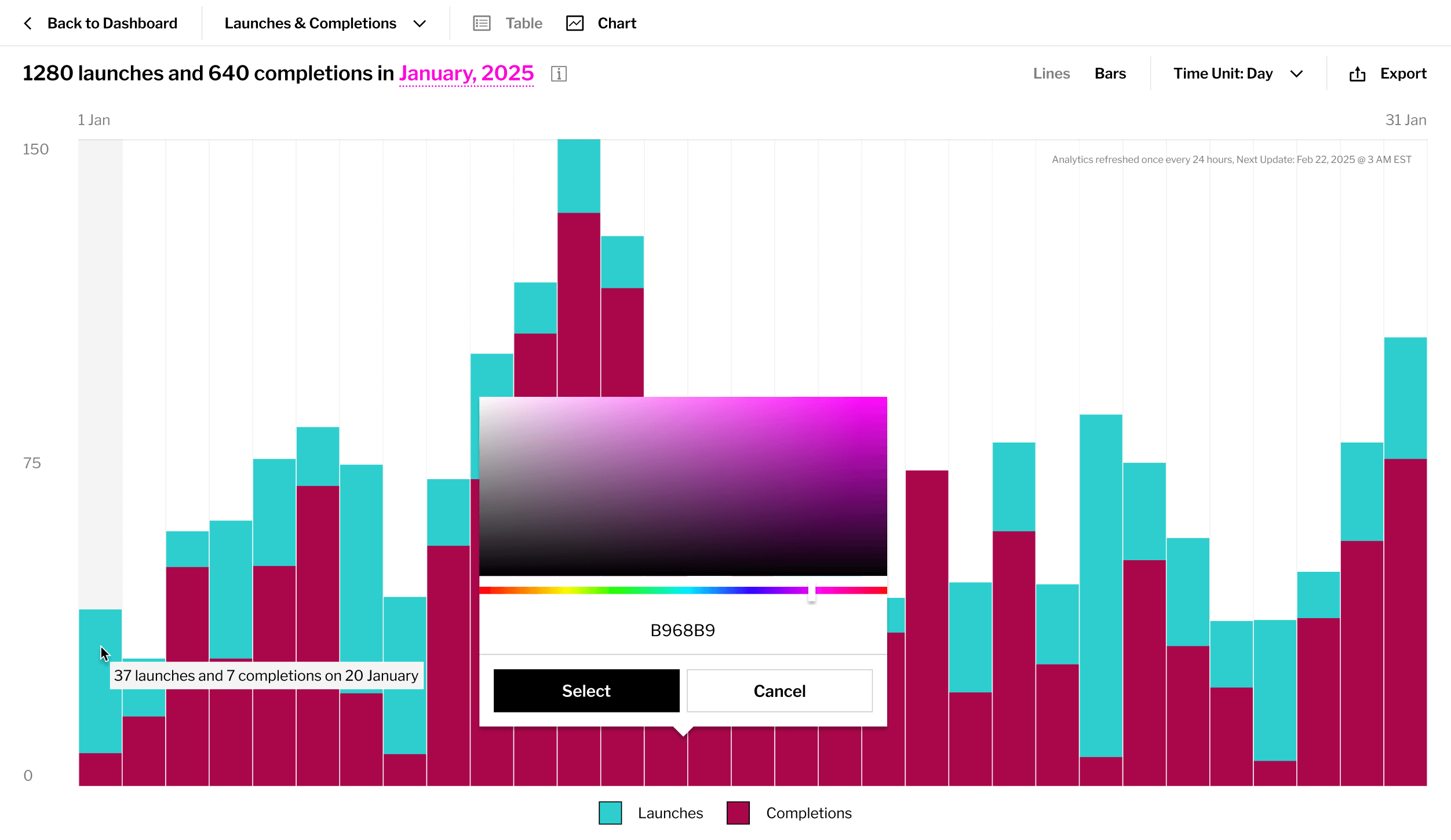
Change how your analytics are displayed by swapping between different table and chart views or changing the timeline.
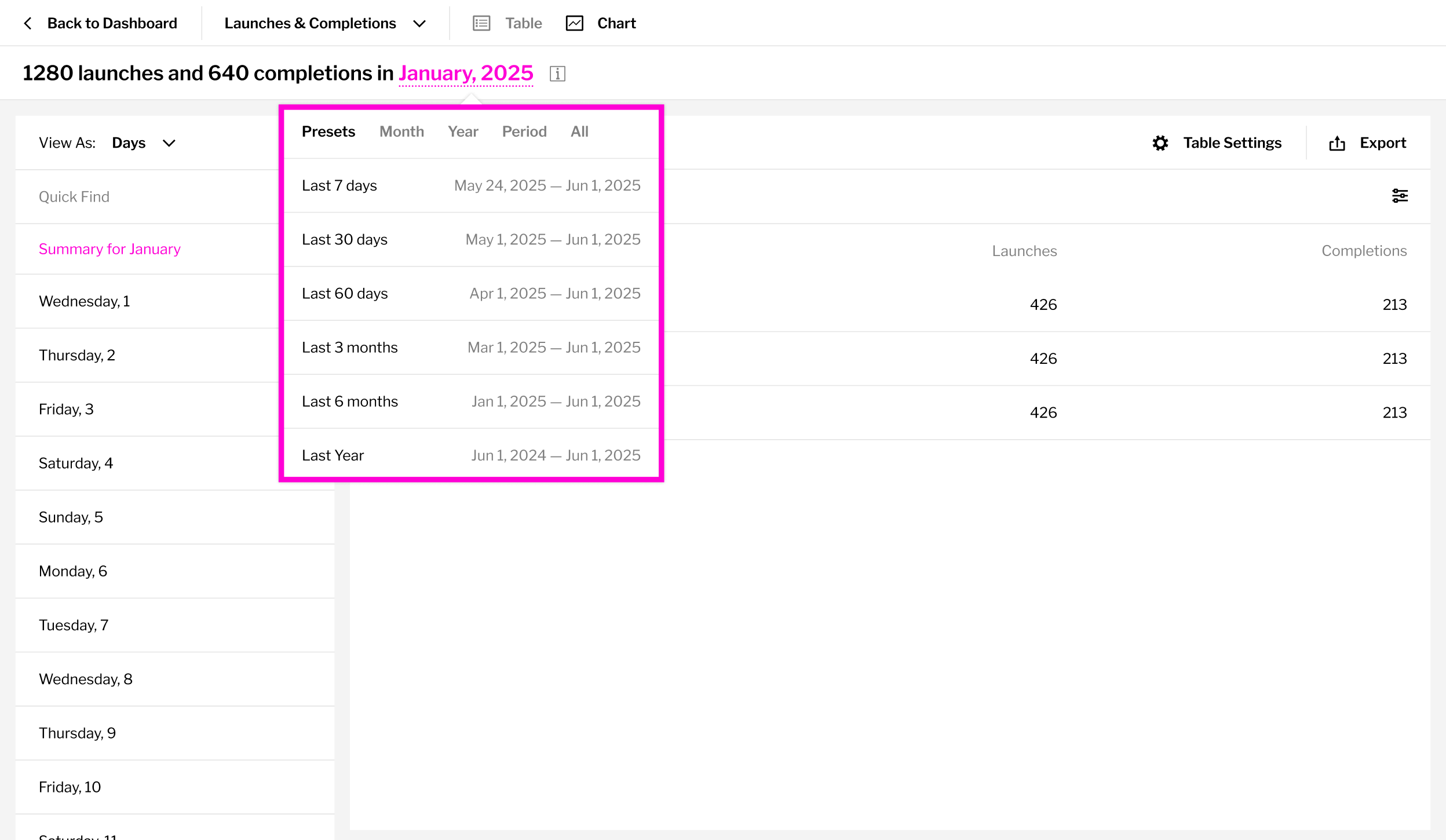
Zoom in on specific date ranges to spot trends, dips, or surges in activity. Switch between preset views (last 7 days, last 30 days, last quarter) or define a custom timeline. All metrics update automatically to reflect your selection.
Note: data refreshes once every 24 hours.
Learn how to track internal learner analytics in iorad using SSO or SAML, domain sharing, invite-only privacy, and tutorial-level access settings.

Create custom sales training Libraries with iorad. Centralize tutorials for CRMs, prospecting tools, analytics, and more in one easy-to-share place.
Learn how iorad helps make employee onboarding more engaging, efficient, and accessible with interactive tutorials and reusable training libraries

Compare iorad and Userpilot to find the right tool for onboarding and training. Discover their unique strengths and how they fit different software needs


