
Thought Leadership
How to Add Audio to an iorad Tutorial
Learn how to add audio to iorad tutorials using Amazon Polly text-to-speech, custom voice recordings, or uploaded audio files.

With Premium Audio, you unlock the latest neural voices for unlimited Text-to-Speech. You also gain the ability to add Background Music and Closed Captioning to your tutorials.
Premium Text-to-Speech gives you access to the latest Neural Voices from Amazon and Google. These are advanced voices that give your tutorial a high quality professional sound. Multiple voices and languages are available.
Closed Captioning lets you generate subtitles that can be viewed throughout your tutorial.
With Background Music, you can add the right tune to your tutorials. We offer a list of existing music files that cover a variety of styles and tempos. You can control how loud or soft it is.
Learn how to add audio to iorad tutorials using Amazon Polly text-to-speech, custom voice recordings, or uploaded audio files.

Learn three simple ways to personalize iorad tutorials with intro slides, custom audio, and varied step text for a better learner experience.
.png)
Learn how iorad helps trainers deliver quick how-to training with synchronous, asynchronous, self-guided, visual, audio, and long-term learning options.
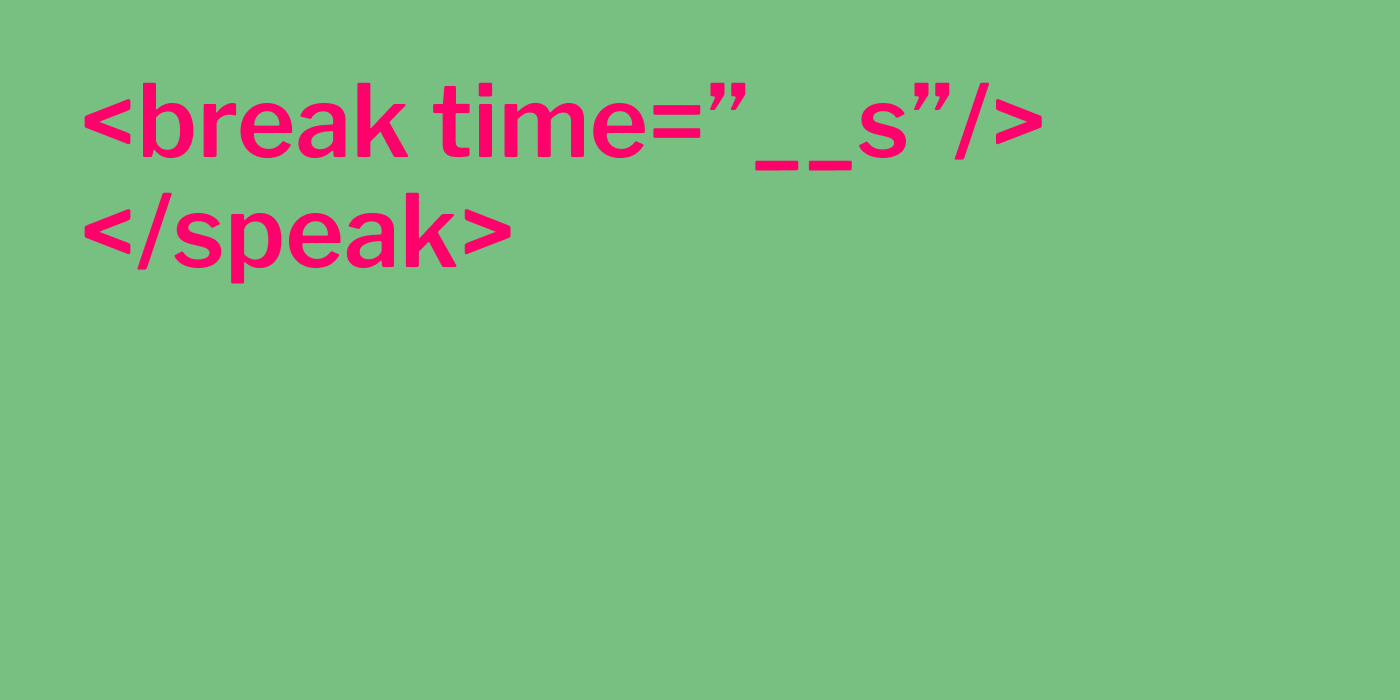
Learn how to improve Amazon Polly text-to-speech in iorad by adding pauses, fixing pronunciation, and using SSML tags for better voiceovers


